
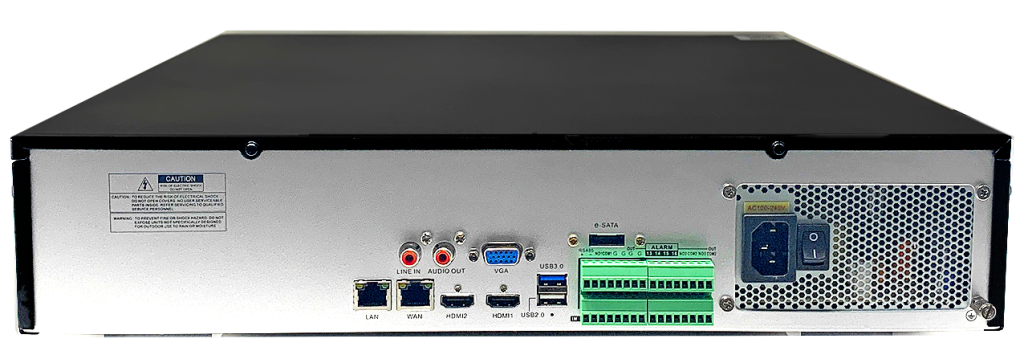
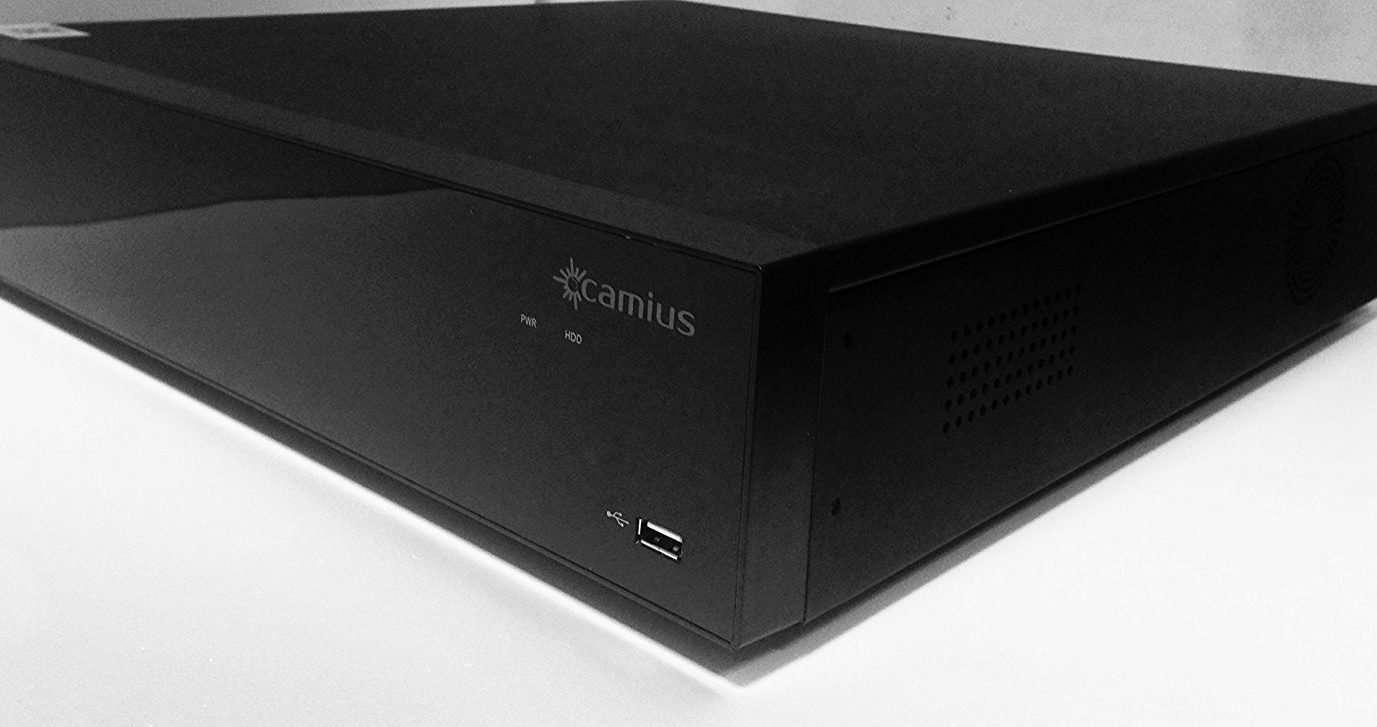
When it comes to DVR/NVR video surveillance system maintenance, paying attention to the recorders fans is crucial for their optimal performance. Here are some best practices to keep in mind:
Dust and debris can accumulate on the fans, hindering their ability to cool the device effectively. Clean the fans regularly using compressed air or a soft brush to remove buildup. Make sure the Camius DVR or NVR is powered off before cleaning.
Ensure that the DVR or NVR is positioned in a well-ventilated area. Ensure enough space around the device for proper airflow, as inadequate ventilation can cause the fans to work harder and potentially overheat.
Ensure that the vents on the DVR or NVR are not blocked by objects or other equipment. Blocking the vents can impede airflow and lead to overheating.
Keep an eye on the fan’s performance. If you notice any unusual noises, decreased airflow, or the fans not spinning properly, it could indicate a problem. In such cases, contact the manufacturer or a professional technician to address the issue.
Regularly check for firmware updates for your DVR or NVR. Manufacturers often release firmware updates that can improve fan control and overall device performance. Follow the Camius manufacturer’s instructions for updating the firmware available at this link
Ensure the DVR or NVR is connected to a stable and reliable power supply. Power fluctuations can adversely affect the device’s components, including the fans. Consider using a surge protector or an uninterruptible power supply (UPS) to protect against power-related issues.