posts
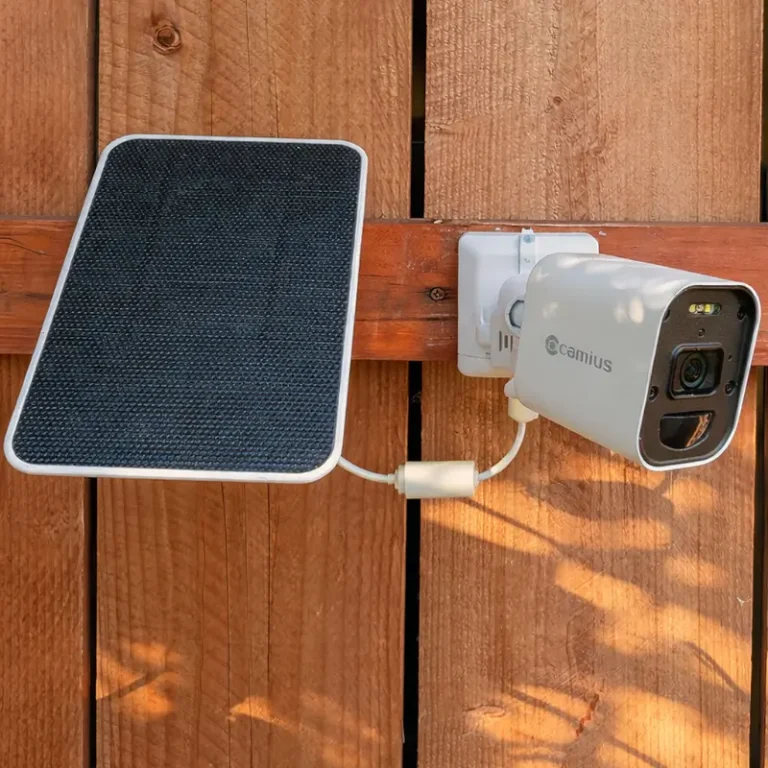
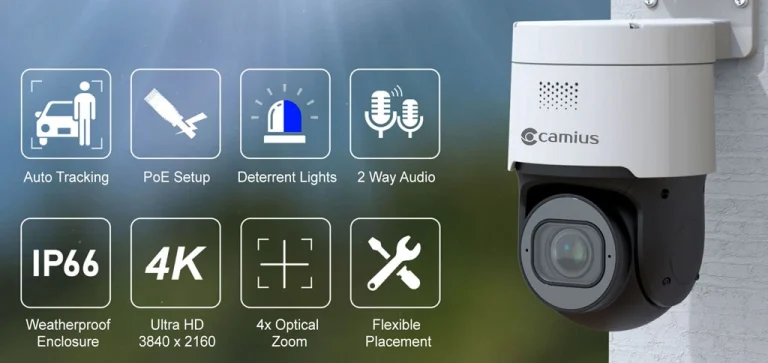
Setup Motion Detection on Camius 4K Wireless Security Cameras
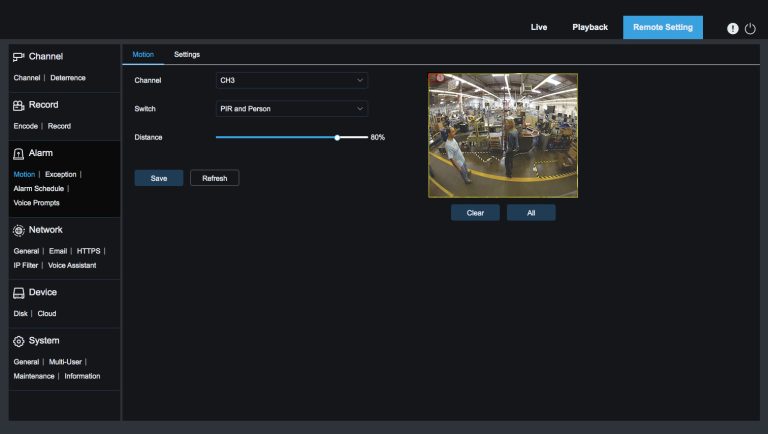
Quick Guide to Setting Up Motion Detection on Camus 4K Wireless Security Camera Systems For Business And Home Step-by-Step Instructions 1- Access Motion Detection Settings: Navigate to the camera settings menu and select “Motion Detection.” 2- Choose Motion Detection Mode: You have two options for motion detection: PIR and Person: