Explore Recording Modes for Camius Security Cameras Wireless NVR System

Explore Recording Modes for Camius Security Cameras Wireless NVR System

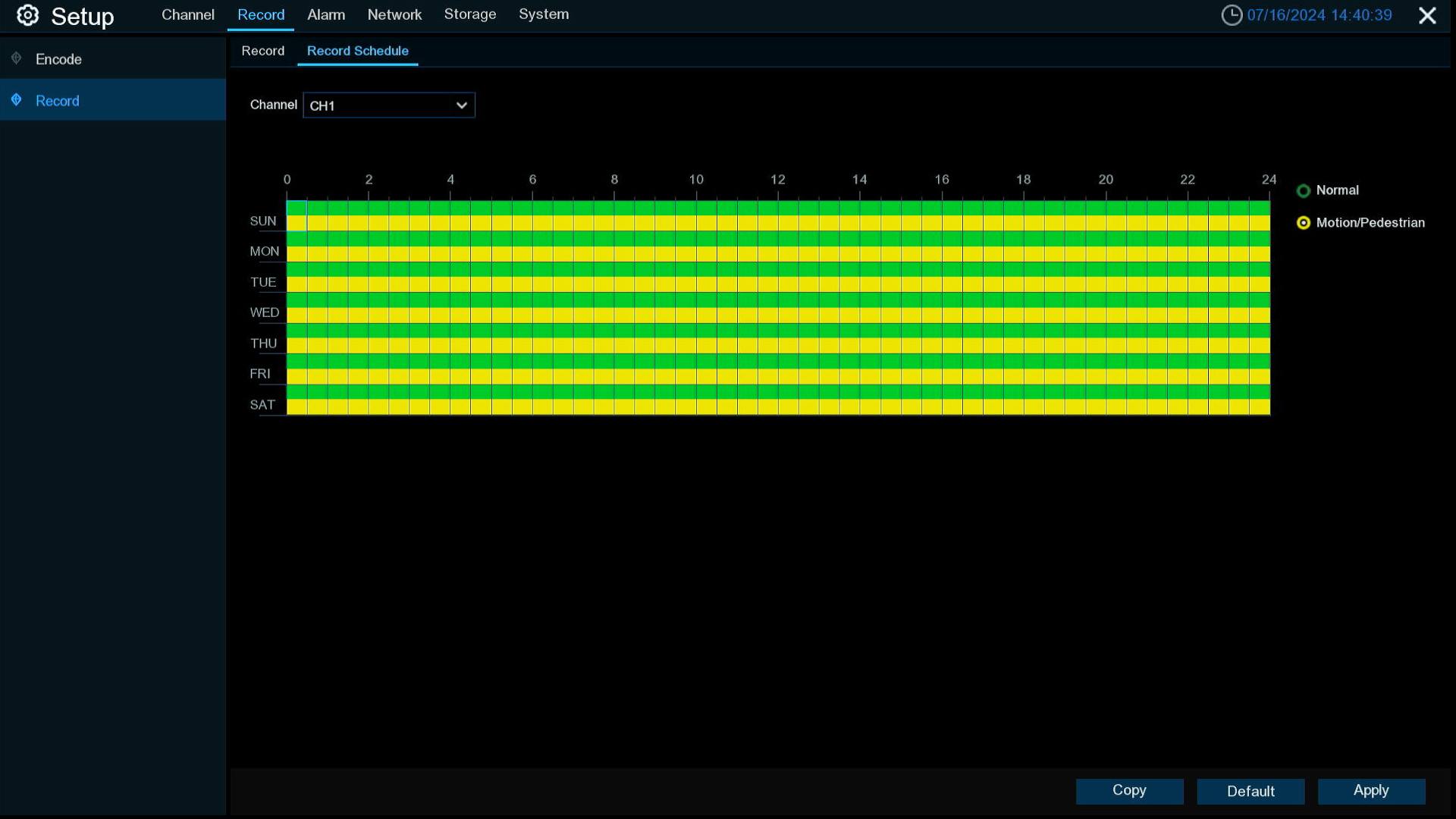
How Recording Works on Camius Security Cameras Wireless System with NVR Camius 4K security cameras wireless system support two recording options: Motion-activated wire-free mode to preserve battery, and Continuous recording (Normal Mode) when USB-powered. Users can manage schedules, encoding, and storage directly through the NVR interface. Ideal for both residential and business security Start with […]
How to Enable Person Detection Camera Notifications I Camius Wireless Cameras

How to Enable Person Detection Camera Notifications I Camius Wireless Cameras

How to Enable Person Detection Camera Notifications (Camius Wireless Cameras) The Camius WF4KN wireless NVR with WF4KC2 wireless cameras can record short clips and send push notifications to your phone whenever a person is detected. On the Camius network video recorder menus this option is called Pedestrian, while in the Camius View app it appears […]

How to adjust Analog Cameras settings using OSD Menu, UTC Control Benefits

How to adjust Analog Cameras settings using OSD Menu & UTC Control Benefits

How to adjust 4K Analog Cameras settings using OSD Menu, UTC Control Benefits If you are looking for a reliable and versatile security system that can work with both analog and IP cameras, you might want to consider Camius DVRs and analog cameras. Camius is a trusted name in the industry, offering advanced 4K DVRs […]

How To Enable IP Camera Offline, Analog Camera Disconnection Notification - Camius

How To Enable IP Camera Offline, Analog Camera Disconnection Notification Alerts

How To Enable IP Camera Offline, Analog Camera Disconnection Notification Alerts One of the most important features of any security system is its ability to alert you when something goes wrong. Whether it’s an IP camera offline or an analog camera that stopped working, a storage failure, or any other exception, you want to know […]

How do I backup NVR or DVR settings?

How do I backup NVR or DVR settings? You can export the main menu settings you have configured to a USB flash drive, or import an exported setting file from USB flash drive to the NVR. Save Settings: Click to save the NVR current system settings to the USB device. You will be required to input the […]