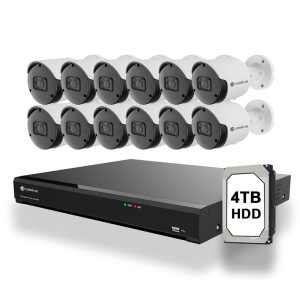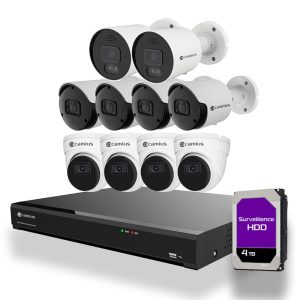


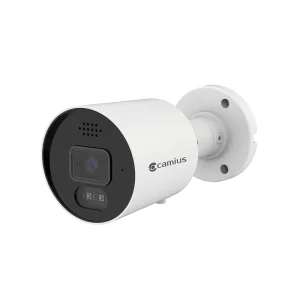
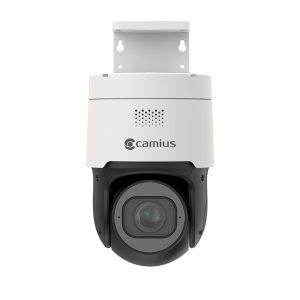
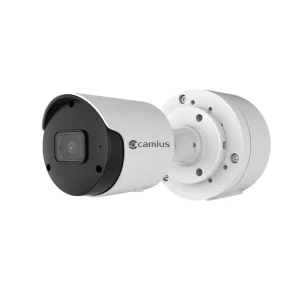
IP Camera PoE 4K 16 Channel NVR for Professional Surveillance
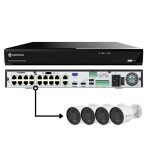
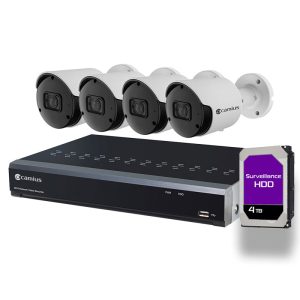
Camius 16 channel NVR is designed for businesses that need high-capacity video recording. It supports up to sixteen PoE cameras, making it ideal for retail, warehouses, schools, and office security.

Benefits of Camius PoE NVR Camera 16 Channel Recorder
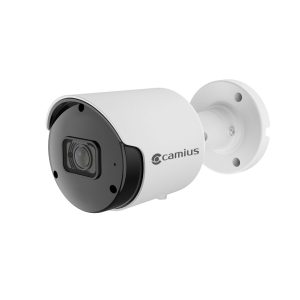
Camius 16 camera NVR is designed for reliable wired surveillance systems. The NVR automatically powers and connects PoE cameras using a single Ethernet cable, simplifying installation and ensuring stable video and audio transmission. This system supports up to sixteen 4K PoE cameras, ideal for large homes, offices, or commercial properties requiring high-definition recording and secure remote access
Get a Standalone 16 Channel PoE Camera System
Advantages of Camius 16 PoE Camera Recorder
Easy plug and play installation
When you first power on the NVR, the Startup Wizard guides you through language, password, network, date and time, camera discovery, storage, and mobile access. Camius PoE cameras plugged into the built in PoE ports are automatically detected and appear with a green status indicator when the connection is successful.
Single cable for power, audio, and video
Each PoE port delivers power and data over one Ethernet cable between the NVR and the camera. This reduces extra cabling and does not require separate power supplies at the camera. The Scout4K4XPTZ Installation Guide confirms that a single Ethernet connection to a PoE NVR provides both power and video for compatible PoE cameras.


Automatic IP Assignments
- Our PoE NVR takes care of assigning a unique IP address to each Camius camera for you.
- No need to worry about complex IP configurations or manual settings.
- Just plug your cameras to the NVR, and they will be ready to go.

Full compatibility with Camius PoE cameras
The NVR supports Camius IP cameras added through the PoE ports and also supports additional IP cameras on the local network. The guide shows that connected Camius cameras are added automatically, and other cameras on the LAN can be added from the Wizard.
16 Channel NVR with PoE Ports, High Performance Recording and Monitoring
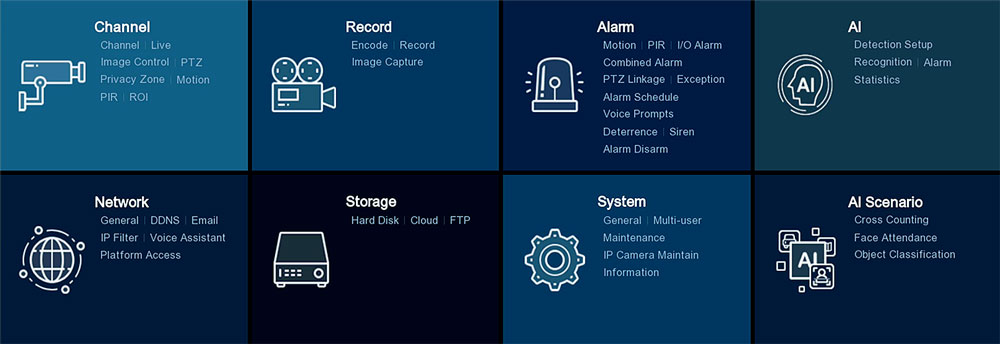
The system supports UHD recording, H.265 video compression, continuous or event based recording, deterrence control for light and siren, and timeline playback with backup to USB.

4K NVR 16 Camera Recorder with Local and Remote Access with No Subscription
You monitor the system using an HDMI monitor and mouse connected to the NVR. You also add the recorder to the Camius View app by scanning the P2P ID QR code or by Search Online Network in the app, and you view live and playback from iOS, Android, Windows, and Mac with no subscription fees.
Standalone IP Camera 4K CCTV PoE NVR with Dual HDMI Output
If you want to watch your security cameras in high definition, you need a Camius 4K 16 Channel NVR. Connect the NVR a monitor or TV using three different video outputs. You can use two HDMI outputs for 4K or 1080P resolution, or a VGA output for 1080P resolution. With the Camius 4K NVR, you can enjoy clear and crisp video from your security cameras.
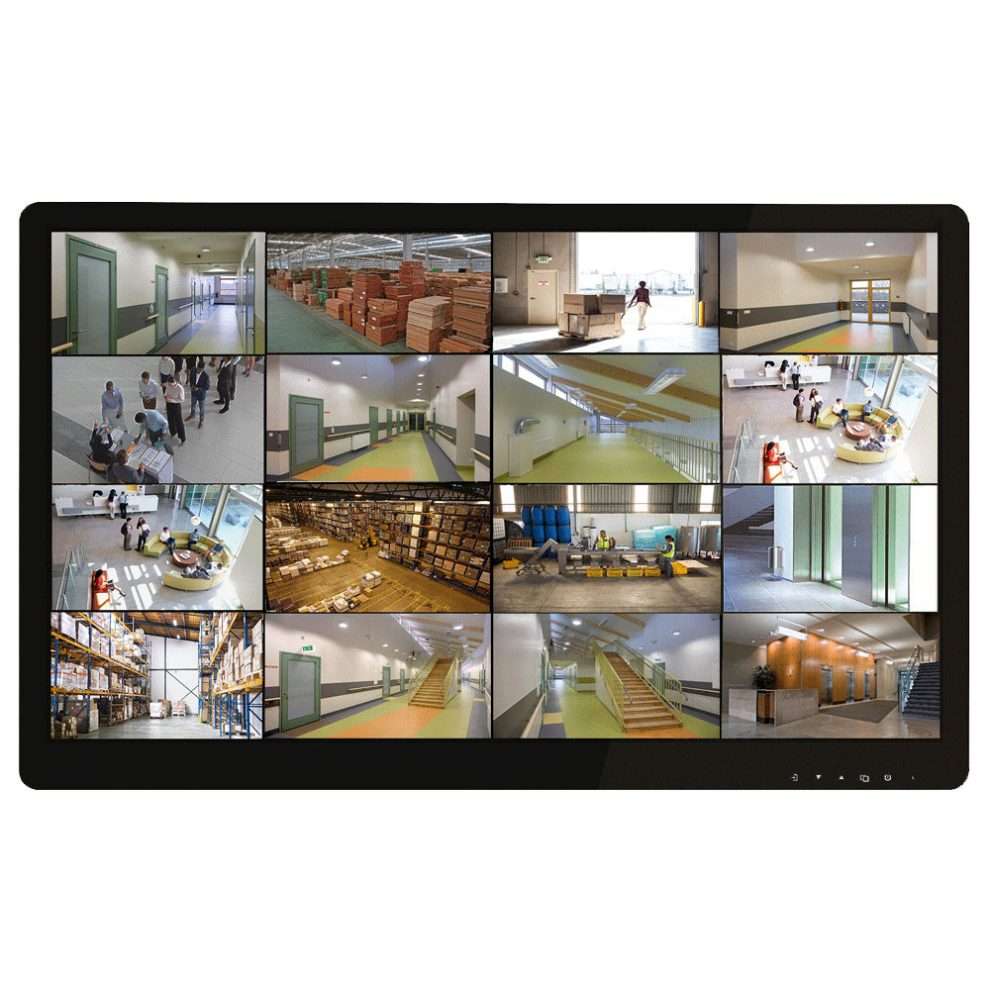
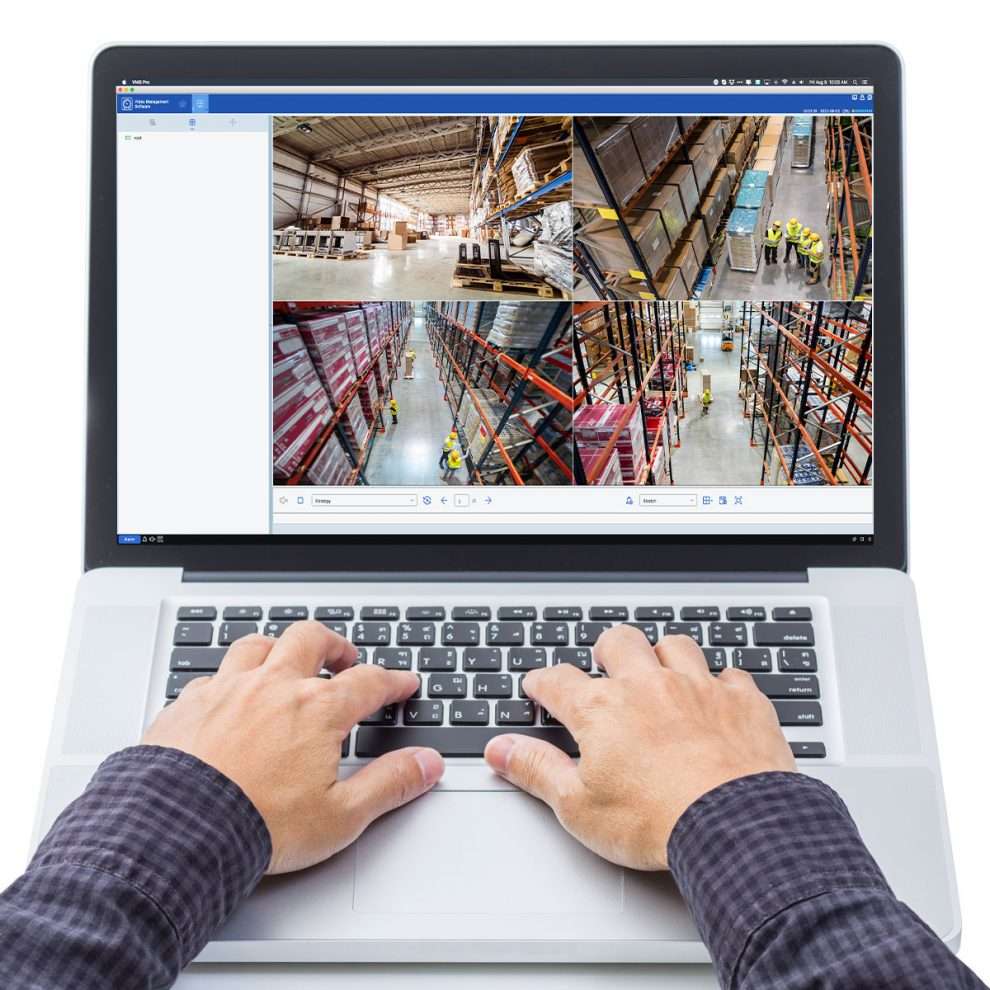
16 Channel NVR Box For Camera with Desktop Software
MP PoE NVR and the free VMS software, any desktop, laptop, PC, or Mac can transform into a comprehensive surveillance station. Monitor live video and audio streams, playback recordings, and manage cameras with access to device settings.
Camius View smartphone security camera app
The NVR app provides full access to your cameras from anywhere. Whether you have an iOS or Android device, you can configure and restart your NVR system using the Camius View smartphone app.

Web Browser Application
You can access your Camius NVR system using modern web browsers such as Chrome, Edge, Safari, Mozilla Firefox.
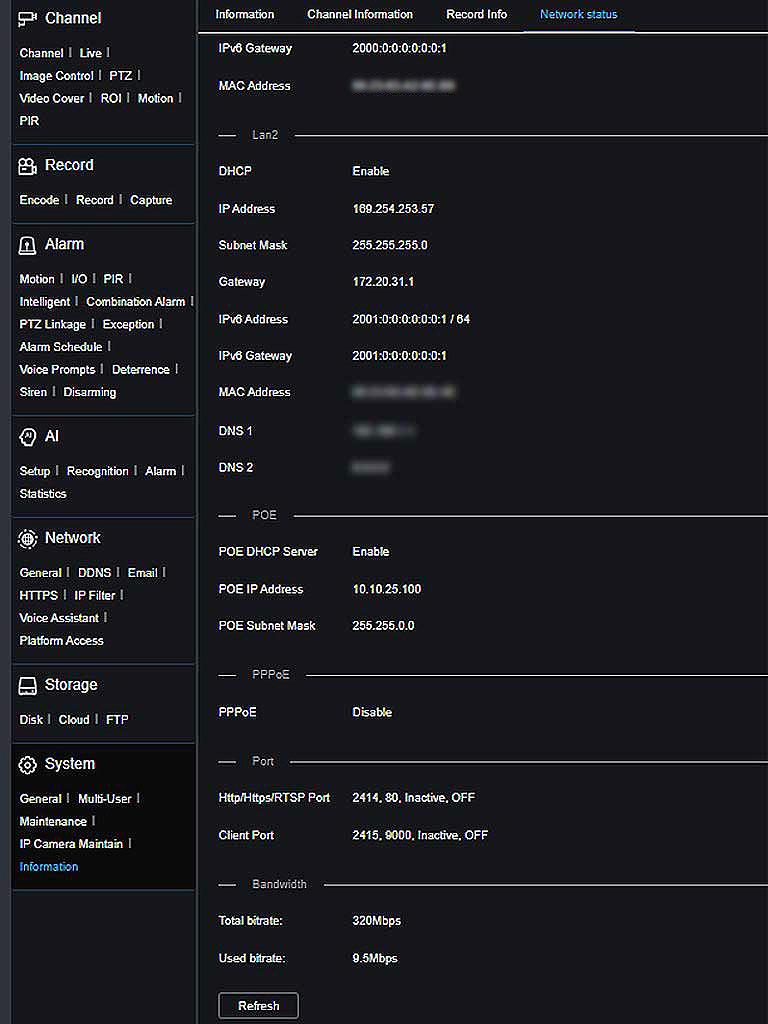
Camius 4K NVR PoE 16 Channel with 320 Mbps Bandwidth
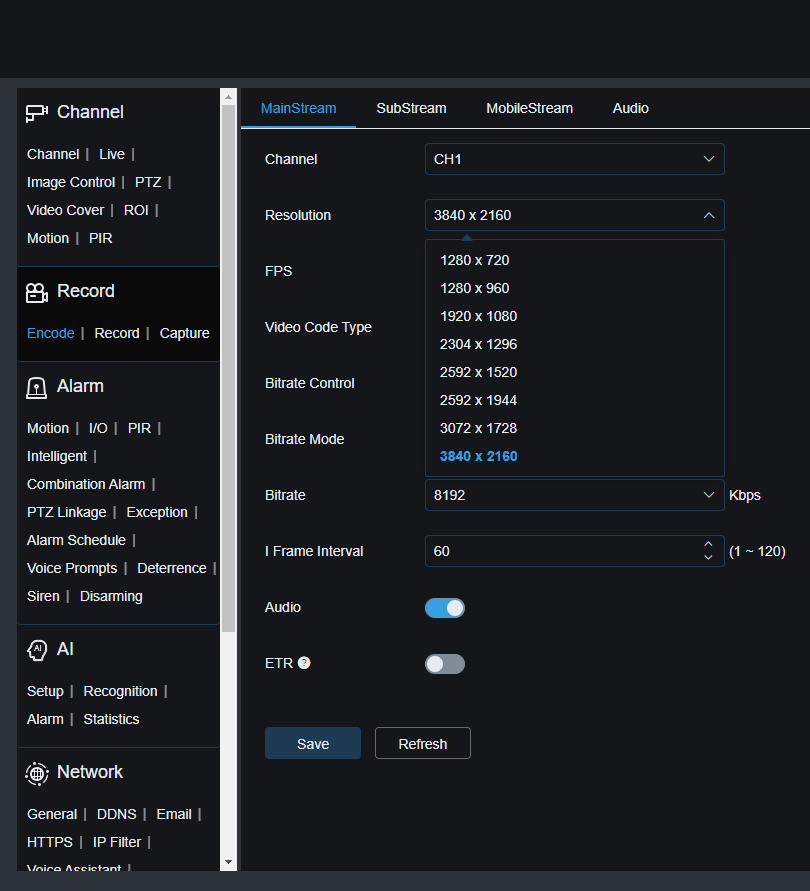
The NVR’s high bitrate allows live view and playback videos at Ultra HD resolution. Camius security systems support H.264 and the latest H.265, H.265+ compression. It saves up to 50 percent on the recorder’s storage space and improves bandwidth efficiency to maximize your 16 Channel 4K security NVR & internal hard drive storage.
Centralized Surveillance and Recording with Camius PoE Network Video Recorder
If you need to monitor 16 places simultaneously, the Camius NVR PoE 16 channel offers a simple and affordable solution. With 16 built-in PoE ports, it easily connects Camius cameras without extra wiring, Enjoy smart features like motion, sound, and AI detection for efficient and flexible surveillance.
The NVR supports other brands IP cameras which could be limited to basic video motion detection.
8MP Security Camera 16CH Recorder with High Capacity Hard Disks
The Camius NVR Recorder supports a huge storage capacity of 42 terabytes by using two internal SATA hard drives and an external e-Sata port. This NVR comes with one pre-installed 8TB hard drive inside the device, and you can add one more internal and one external hard disk. This way, you can record and store a lot of videos without running out of space.

But that’s not all. The Camius NVR Recorder also gives you the option to save your footage to an FTP server or a cloud storage service like Dropbox or Google Drive. This means you can backup your videos online and access them from any device, anywhere, anytime. You don’t have to worry about losing your recordings or missing any important events.

Live View, Recording & Playback
The 16-channel NVR is a powerful video recorder that offers users an exceptional live view and playback experience. The NVR supports a display split of 1 to 16 cameras or an auto-sequence, making it easy to select the best view on the TV monitor connected to the recorder or via a browser or software. This versatile device offers a range of display options to meet the needs of any security setup. Click here for more about recording
Email Notifications
The Camius security NVR has an email notifications feature informing you of suspicious activities. With this feature, you can set up the system to send email alerts to your designated email address whenever motion is detected or an alarm is triggered. This ensures you are notified in real-time, allowing you to take necessary actions. The email notifications feature is particularly useful when you are away from your property and want to stay informed about potential security breaches. Knowing that you will be immediately alerted to unauthorized access or movement within your property gives you peace of mind. This feature is easy to set up and can be configured to suit your specific needs. Click here for the how-to guide to setup your email notifications.

Smart Motion Detection
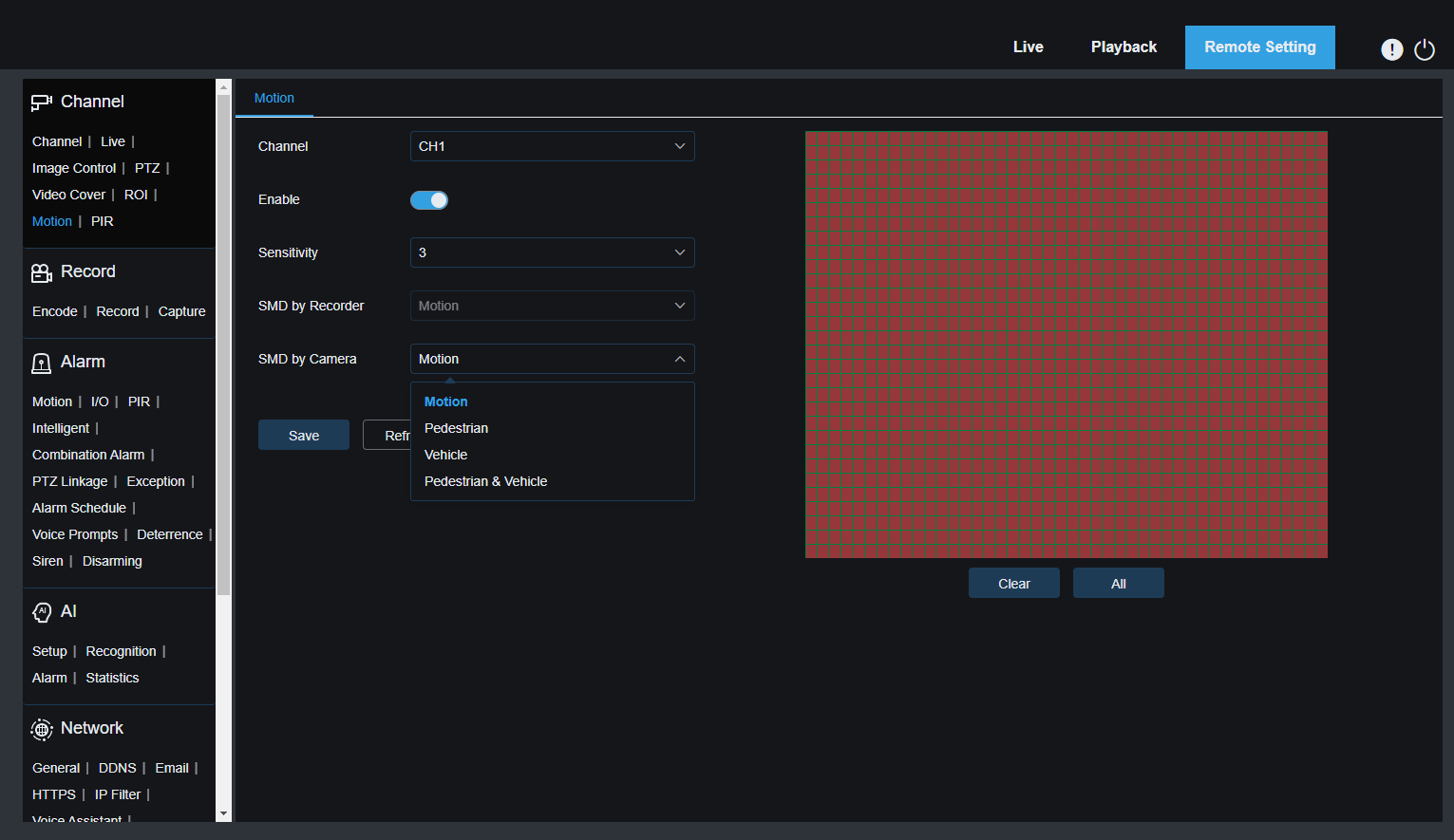
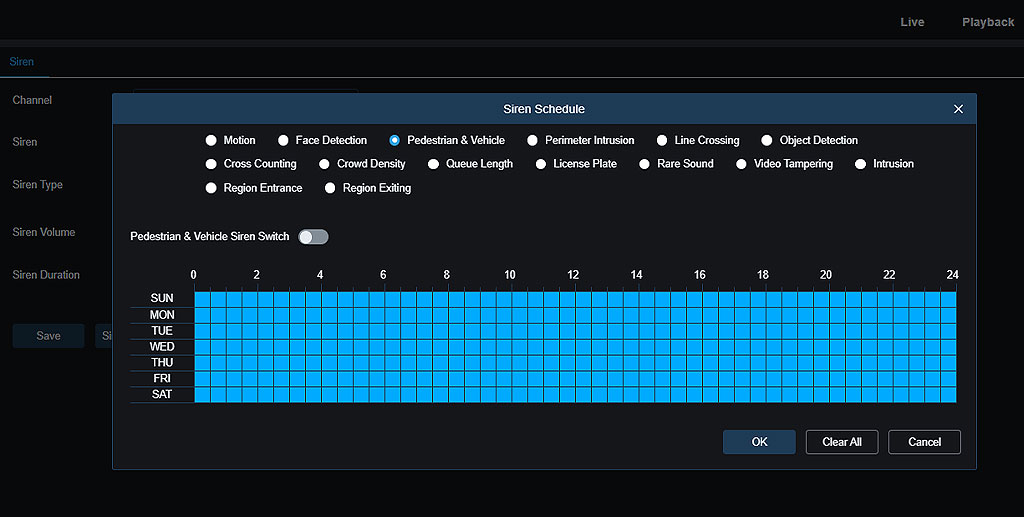
The Camius IP camera PoE 4K 16 Channel NVR allows you to monitor and record all activity in your home or business with smart motion detection. Choose your preferred motion target detection such as Pedestrian, Vehicle, or both with the Camius PoE camera system. Please note that users have to activate motion detection recording and alarm scheduling.

Deterrence
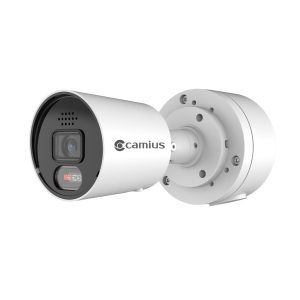
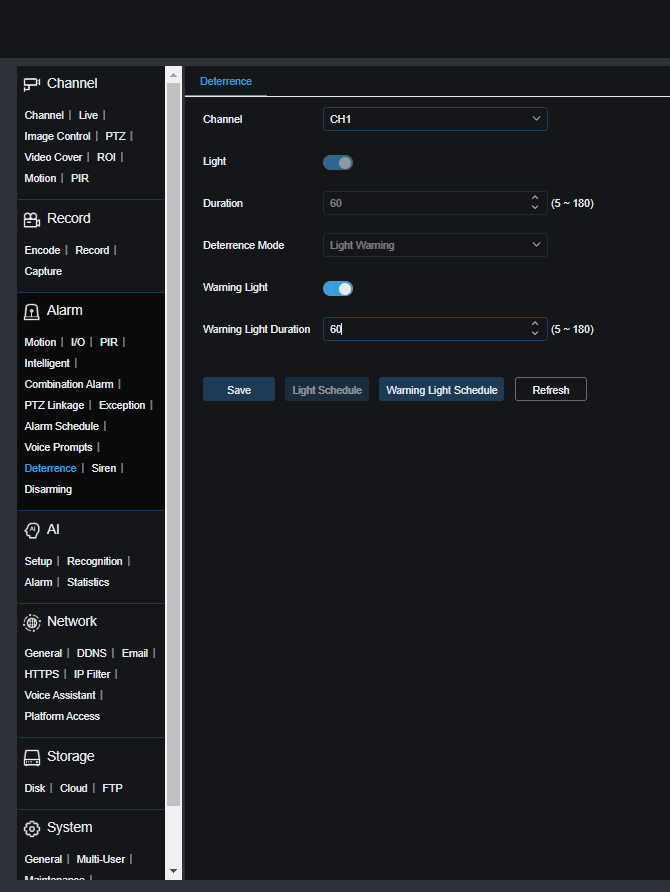
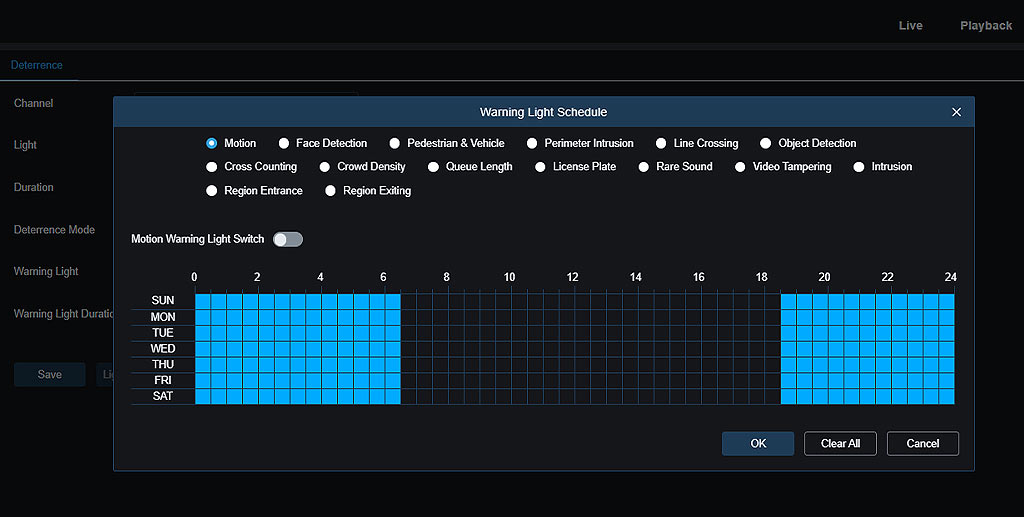
The Camius NVR with 4K spotlight cameras offers an advanced deterrence feature. Equipped with bright spotlights and loud sirens, these cameras can be triggered by motion detection or AI analysis, immediately drawing attention to suspicious activity.
Camius PoE NVR 16 Cameras Recorder Technical Information
NVR specs
Model: IPVAULT2320PR
Bandwidth: 320 Mbps
Performance
- Recording Compression: Audio: G.711A/ G.711U, Video: H.264/H.265/H.264+/H.265+
- Speed: 12MP: 30fps, 8MP: 120fps, 4MP: 240fps 2MP: 480fps
- Playback: 1080P: 480fps, Max 16CH
Network
- Protocols: RTSP, SNMP, DDNS, HTTP/HTTPS, TCP, UDP, FTP, MQTT, HLS, SMTP, UPNP, Onvif (profile S/G/T)
- Voice Command: Home Device: Google Assistant
Video Output
- 1 VGA output, which supports resolutions like 1024×768, 1280×720, 1280×1024, 1440×900, and 1920×1080.
- HDMI 1 output, mainly used for the main monitor, supporting resolutions like 1024×768, 1280×720, 1280×1024, 1440×900, 1920×1080, 2560×1440 (2K), and 3840×2160 (4K)
- HDMI 2 is used for the secondary spot monitor, supporting resolutions up to 1080p (1024×768, 1280×720, 1280×1024, 1440×900, 1920×1080), as well as EDID and Async
Ports and Interfaces
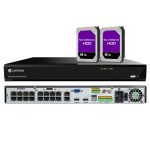
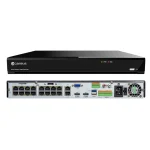
- Ethernet: 2 RJ45 ports for fast network connectivity.
- PoE: 16 RJ45 ports support Power Over Ethernet (PoE) for easy IP camera connection
- USB: Front USB 2.0, rear USB 3.0 & USB 2.0 for versatile connectivity.
- Audio I/O: 1 input & 1 output for audio recording and playback.
- RS485: 1 interface for device communication.
- Alarms: 16 inputs & 1 output for comprehensive alarm system integration.
Storage
- Two Internal SATA Hard Drive Ports: up to 12 terabyte
- One e-SATA
Device Access:
- Web Browser Application: compatible with IE10/11, Safari V12.1 above, Firefox V.52 above, Google Chrome V.57 above, Edge V.79 above
- Video Management Software for Windows PC and Mac computers
- Camius View mobile app (iOS/Android)
General:
- Menu Supported Languages: English, French, Spanish, Portuguese, German, Italian, Greek, Danish, Finnish, Russian, Turkish, Bulgarian, Arabic, Korean, Japanese, Thai, Hindi, Romanian, Dutch, Polish
- Dimension (W x D x H): 14.88 x 12.48 x 1.97 inches / 378 x 317 x 50mm
- Input Voltage/Current: Built-in power supply of ATX 280 watts
- Power Consumption: the NVR uses about 12 watts of power, not counting the hard disk
- Operating Temperature/Humidity: Camius NVR’s working temperature is ranging from 14°F to 122°F (-10°C to +50°C), and the humidity should be kept below 90% RH
Users Guides and Manuals:
FAQs About IP Camera PoE 4K 16 Channel Network Video Recorder
Are PoE cameras better?
Yes, PoE cameras are better for most business and commercial applications. Unlike WiFi cameras, PoE (Power over Ethernet) uses a single cable for both power and data, which eliminates signal dropouts, lag, and interference. Camius PoE camera systems deliver stable 2K and 4K video at up to 30 frames per second on every channel. For example, a Camius 16 channel PoE NVR supports up to 320 Mbps bandwidth, allowing smooth recording on all cameras at once. This level of reliability and quality makes PoE a superior choice for business security.
What is the longest run for a PoE camera?
With standard Cat5e or Cat6 Ethernet cable, a PoE camera can be installed up to 328 feet (100 meters) away from the NVR or PoE switch. For longer distances, PoE extenders or fiber solutions can be used to increase the range. Camius PoE IP camera systems follow these same standards, giving businesses flexible installation options for large properties like warehouses, parking lots, or school campuses without sacrificing performance.
Which one is better, NVR or DVR?
NVR systems use IP cameras that transmit digital video and audio through network cables. They feature built-in PoE for simple one-cable connections and are less prone to interference from other electronic devices. DVR systems use analog cameras connected by coaxial cables, making them suitable for upgrading older CCTV setups. For new installations, an NVR is the better choice because it offers higher image quality, remote access, and advanced AI functions. Camius NVRs also support greater bandwidth, two-way audio, and smart motion detection features.
How many cameras can be connected to a 16 channel NVR?
A 16 channel NVR supports up to 16 cameras connected simultaneously. For example, the Camius 16 channel 4K NVR can record sixteen PoE IP cameras at once, each at 30fps. You can mix 2K and 4K IP cameras as needed, and with up to 42TB expandable storage, the system can retain weeks or even months of recordings depending on settings. This makes a Camius 16 channel NVR ideal for larger offices, retail stores, or warehouses needing full coverage.
What is the disadvantage of a PoE camera?
PoE cameras depend on a stable wired network connection and a power source through the Ethernet cable. If the NVR or PoE switch loses power, the cameras go offline until power is restored. PoE cable runs are limited to about 328 feet (100 meters) per cable, so longer distances require a PoE extender or switch. Installation also needs Cat5e or Cat6 cabling, which may take more setup time than wireless systems.
Will PoE cameras work without internet?
Yes. PoE cameras connected to a Camius NVR work on a local network without internet access. The NVR records video to the internal hard drive and allows local viewing through an HDMI monitor and mouse. Internet access is only required for remote viewing on the Camius View app or VMS software.
What are the drawbacks of using PoE?
PoE requires a compatible switch, injector, or NVR to supply power. If a cable is damaged or mis-wired, both data and power can be interrupted. The maximum cable length of 328 feet (100 meter) limits how far cameras can be placed without additional PoE equipment. In some buildings with thick walls or long distances, extra network planning or extenders are needed.
Can NVR work without internet?
Yes. A Camius NVR operates fully offline for recording, playback, and live monitoring through a connected display. The system records to its hard drive even with no internet connection. Internet access is optional for remote viewing or push notifications through the mobile app.