

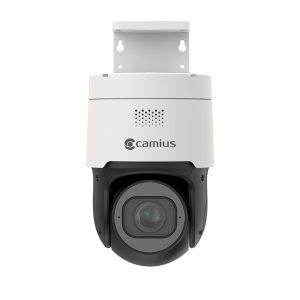
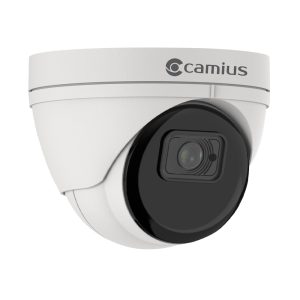
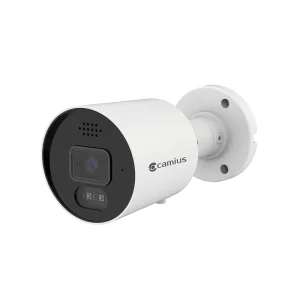
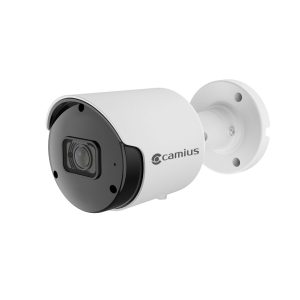
Camius Plug-N-Play Network Video Recorder NVR for Home and Business Surveillance
Simplify your security setup with the Camius Network Video Recorder NVR, designed for businesses and prosumers. Connect your Camius PoE cameras using a single network cable for power, audio, and video. The NVR automatically assigns IP addresses, streamlining installation. Enjoy hassle-free setup with Power-over-Ethernet (PoE) technology and experience stunning ultra HD 4K, 2K, and full HD 1080p video resolution with real-time audio and video recording,

16 Channel Network Video Recorder with Easy Setup
Camius NVRs support ultra HD 4K, 2K, and full HD 1080p video resolution with real-time audio and video recording. Stay connected with built-in P2P technology or DDNS, and watch live footage or playback recordings from your mobile app or software, regardless of your location. Receive intelligent push notifications or emails for motion-activated events, ensuring your security is always accessible. Choose to purchase your NVR with or without a hard drive to suit your budget.
Advanced 4K NVR 16 Channel Recorder
The 4K NVR 16 Channel Recorder supports adding up to 16 PoE audio and video surveillance cameras with an advanced user-friendly menu.
High Bandwidth Support
Accommodates bandwidth ranges between 256 to 320 Mbps (megabits per second) for seamless video streaming and recording.
Efficient Video Compression
Utilizes H.264 and H.265 video compression standards to ensure high-quality video recording while optimizing storage space.
- Control and Manage IP Cameras Audio
Camius NVRs enable users to control the audio settings of connected cameras by activating or disabling audio and selecting the desired audio codec type.
Seamless NVR integration with Camius PoE cameras
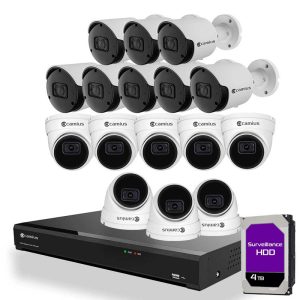
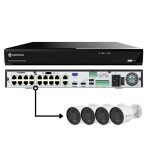
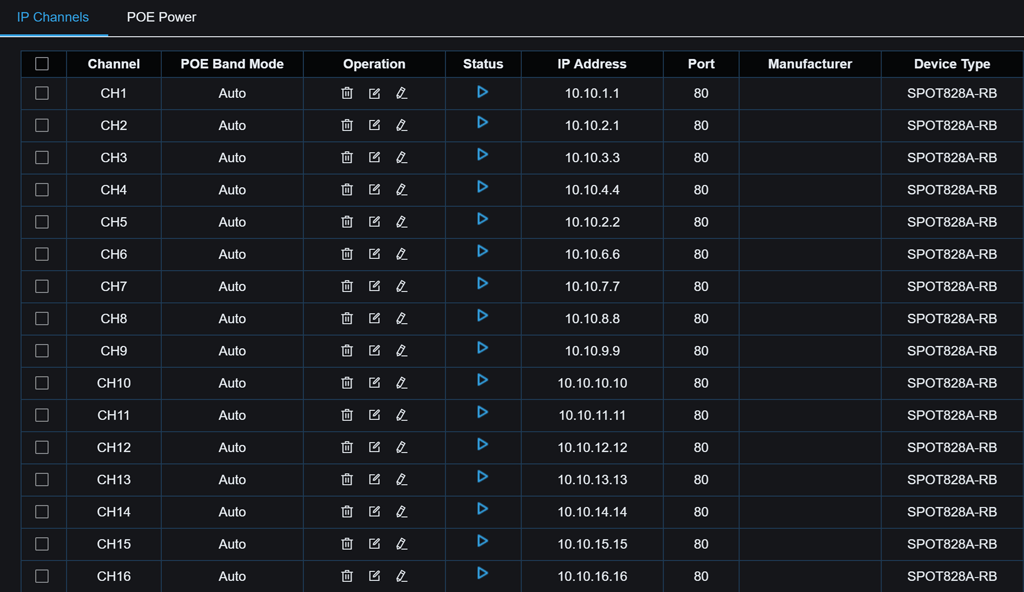
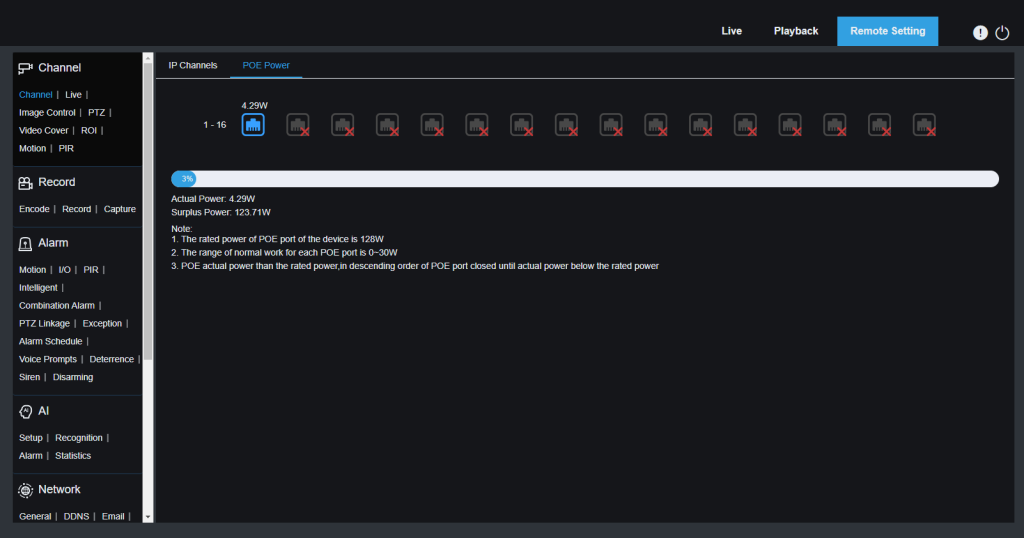
Unleash the Power of 16 Camera Surveillance with Camius 16 Channel NVR System! Get seamless integration with our 16 Camius IP PoE cameras and enjoy the convenience of a built-in 16 Ports LAN (Power-Over-Ethernet) interface for easy plug-and-play installation. Upgrade your surveillance system effortlessly with IP cameras from other brands by installing them with an external PoE network switch.
Plug-N-Play Setup
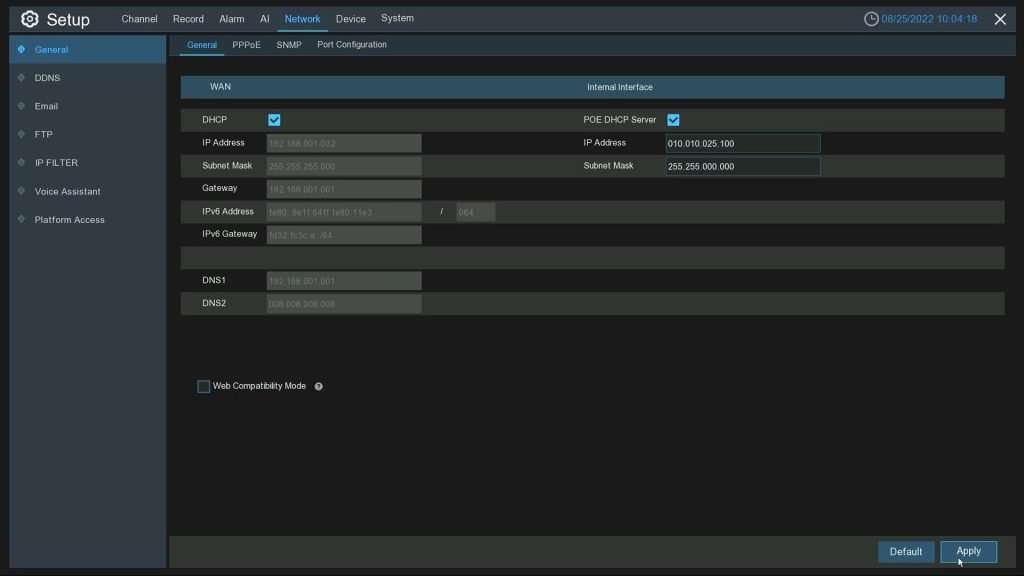
Say goodbye to complicated installations and limited functionality. Camius PoE NVR Recorder is designed with businesses and prosumers in mind. The NVR Recorder offers an effortless setup, allowing you to connect your Camius PoE cameras with a single network cable that delivers power, audio, and video. Whether you use Cat5, Cat6, or a higher network wire, the Camius NVR automatically assigns an IP address to each camera, simplifying the installation process.
Unmatched IP camera Compatibility with Camius 4K NVR
The Camius NVR system is a powerful and flexible video security solution designed to meet the needs of businesses and homeowners alike. With its support for up to 16 Camius IP PoE cameras, this system offers users a comprehensive view of their property, inside and out.
The built-in 16 Ports LAN interface also makes installation a breeze, allowing users to plug in their Camius IP cameras quickly and easily and start with their audio-video security system. Camius NVRs are optimized for Camius IP cameras that include just a plug-n-play setup, audio & video recording, intelligent and AI functions, IP camera maintenance, etc.
Shop Camius IP cameras
Additionally, Camius NVR system is compatible with other manufacturers’ IP cameras, which can be installed using an external PoE network switch or a PoE injector (follow this guide on adding IP cameras connected to an external switch). With its robust features and capabilities, the Camius NVR system is an excellent choice for anyone looking to enhance their video security and surveillance capabilities.
Camius 16 Channel NVR with High Bandwidth
Camius latest IPVAULT2320PR 16 channel NVR recorders offer one of the highest bandwidths in the industry, 320 Mbps, which allows live viewing and playback videos at Ultra HD resolution. Camius security systems support H.264 and the latest H.265, H.265+ compression. It saves up to 50 percent on the recorder’s storage space and improves bandwidth efficiency to maximize your 16 Channel 4K security NVR & internal hard drive storage.
Expandable Storage
With Camius NVR Recorder, you can store up to 14 Terabytes of footage with two internal SATA hard drives and an external eSATA port for external storage. The NVR also offers storage options such as FTP or Cloud (Dropbox or Google Drive).
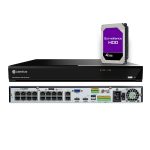
This NVR includes a pre-installed 4TB hard drive. Add a second 4TB drive to your order, and we’ll install it before shipping.

Display Video Outputs and Resolution Settings
The Camius 16 Channel NVR provides 3 video outputs that allow you to connect a monitor or TV to view live video feeds. These video outputs include:
- HDMI (HDMI1) output for the primary monitor, which supports 4K video (3840 x 2160)
- HDMI (HDMI2) video output for a secondary monitor that supports 1080P display resolution (follow the guide on how to configure a spot monitor available at this link)
- VGA output (max resolution of 1080p)
Ports and Network Settings of the Camius NVR
Camius NVR provides seamless connectivity to your security devices with multiple ports and network protocols. It has wired audio I/O, 16 alarm inputs, and a PTZ camera integration port. The NVR is compatible with various network protocols and features a RJ45 100/1000 Base-T port. Additionally, it has three USB ports for easy operation and firmware upgrades.
Live View, Recording & Playback
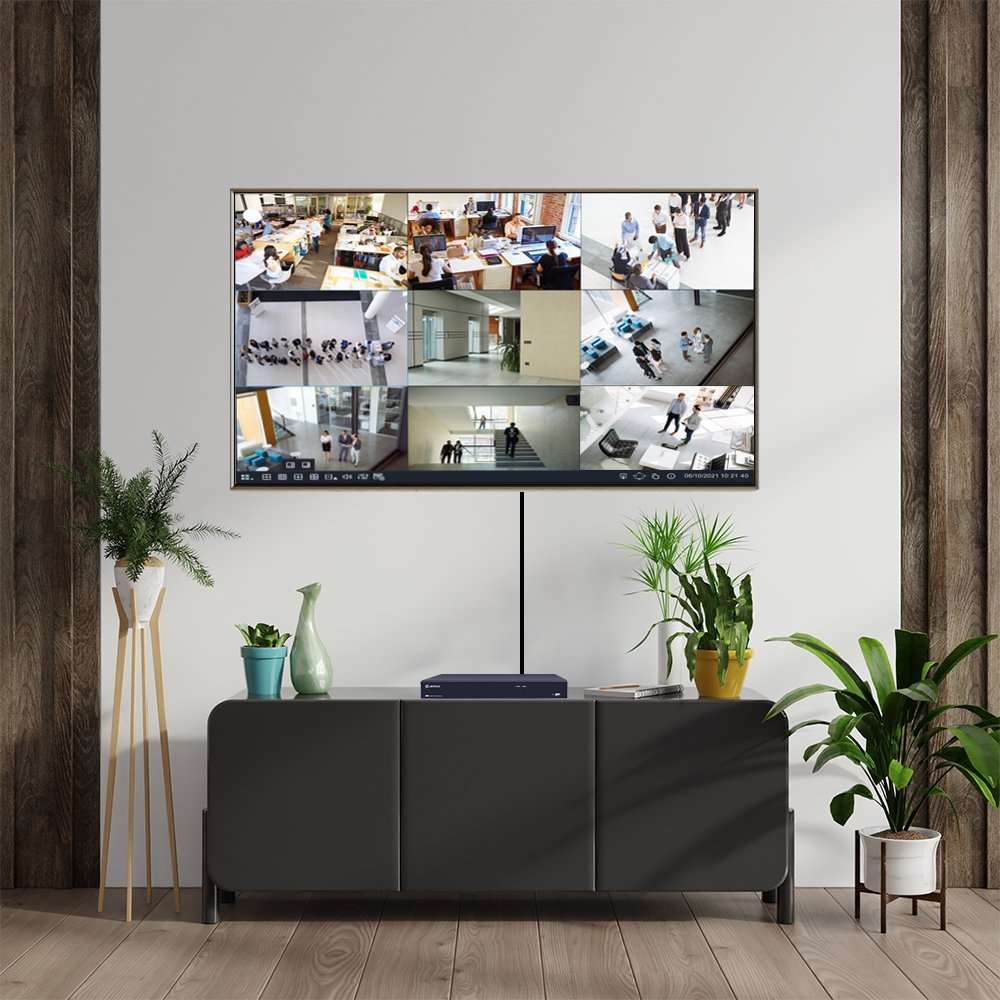
The 16-channel NVR is a powerful video recorder that offers users an exceptional live view and playback experience. The NVR supports a display split of 1 to 16 cameras or an auto-sequence, making it easy to select the best view on the TV monitor connected to the recorder or via a browser or software. This versatile device offers a range of display options to meet the needs of any security setup. Click here for more about recording

Email Notifications
The Camius security NVR has an email notifications feature informing you of suspicious activities. With this feature, you can set up the system to send email alerts to your designated email address whenever motion is detected or an alarm is triggered. This ensures you are notified in real-time, allowing you to take necessary actions. The email notifications feature is particularly useful when you are away from your property and want to stay informed about potential security breaches. Knowing that you will be immediately alerted to unauthorized access or movement within your property gives you peace of mind. This feature is easy to set up and can be configured to suit your specific needs. Click here for the how-to guide to setup your email notifications.

Smart Motion Detection
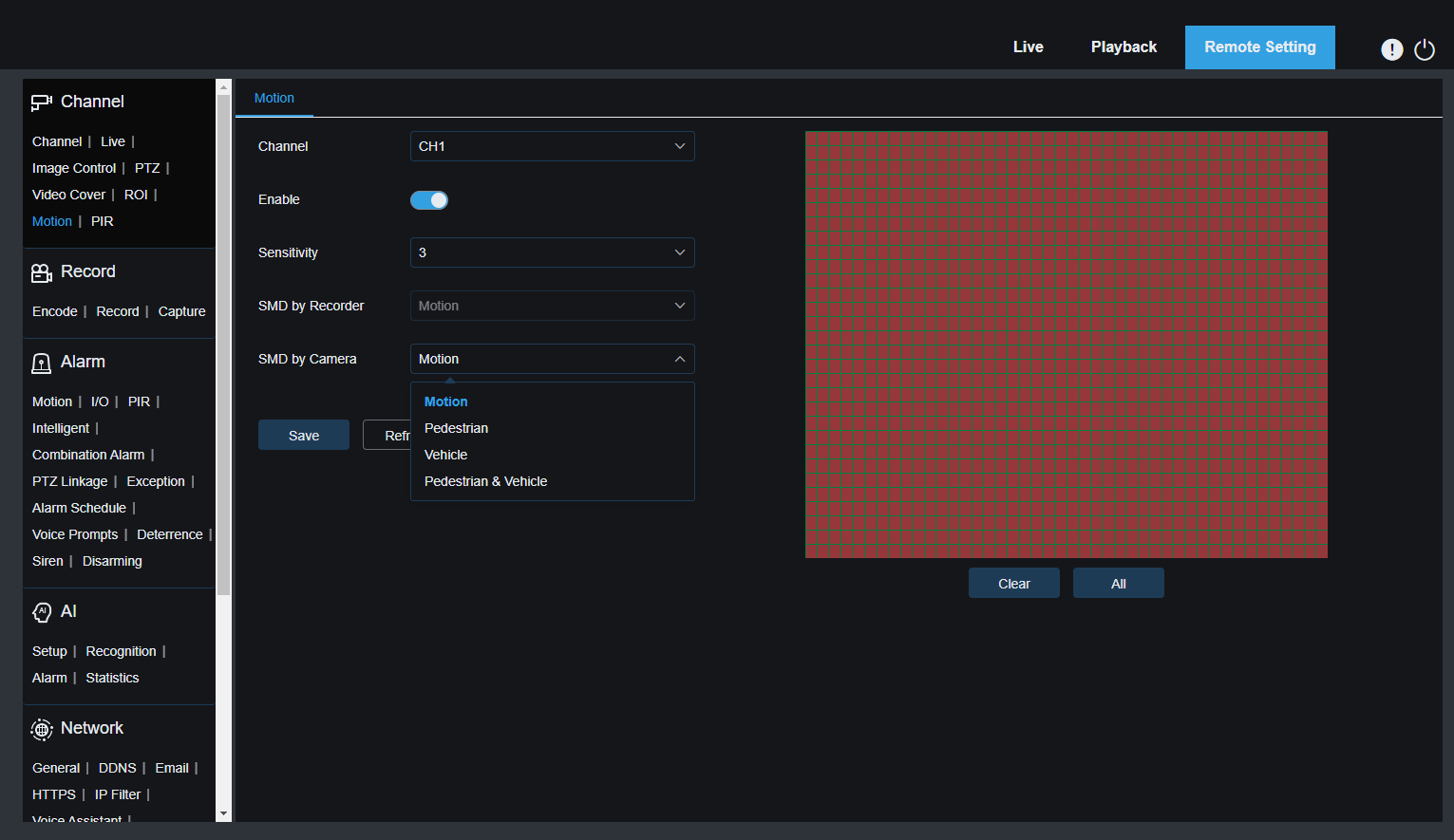
The Camius NVR allows you to monitor and record all activity in your home or business with motion detection. Choose your preferred motion target detection such as Pedestrian, Vehicle, or both with the Camius PoE camera system. Please note that users have to activate motion detection recording and alarm scheduling. This feature allows you to customize the surveillance system to your needs and receive notifications when suspicious activity occurs. The Camius NVR is an excellent choice for those who want to keep an eye on their home or protect their business. Check out the how-to guide for motion detection setup.

AI Detection
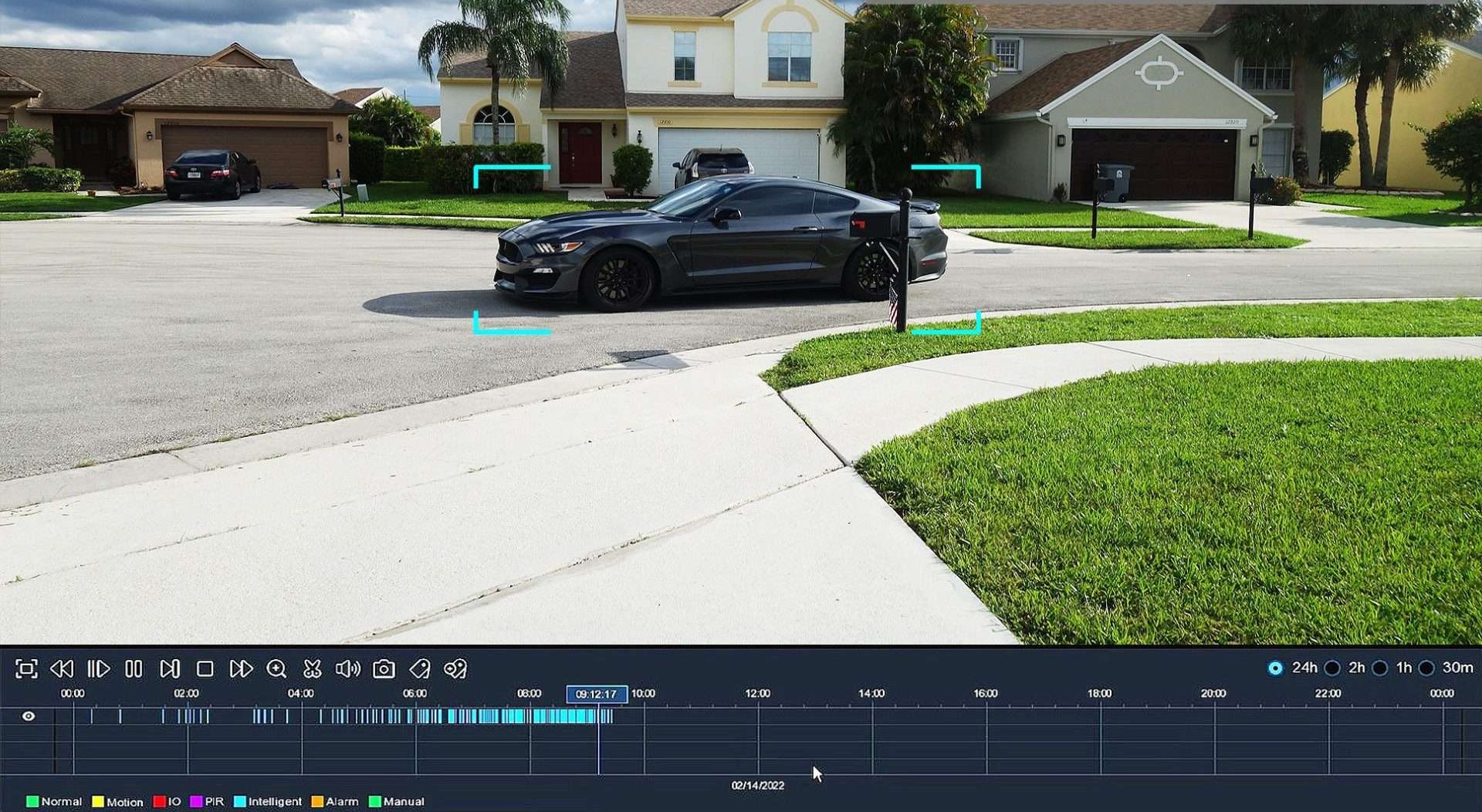
Camus’s IP cameras offer detection using AI analysis. It goes beyond video motion detection, allowing the user to create zones for detecting movement patterns, location, etc. You can activate one of the AI detections to get precise reports and analytics. AI Detection will trigger recording, email, or push notifications in addition to video recording in a unique color and tag.

- Human & Vehicle Detection (PD & VD)
- Perimeter Intrusion Detection (PID)
- Line Crossing Detection (LCD)
- Cross Counting (CC)
- More AI functions are in the Beta version
You can enable Human and vehicle Detection in AI mode and then allow push notifications on your mobile app. Make sure to select Schedule and save it.
NVR Software
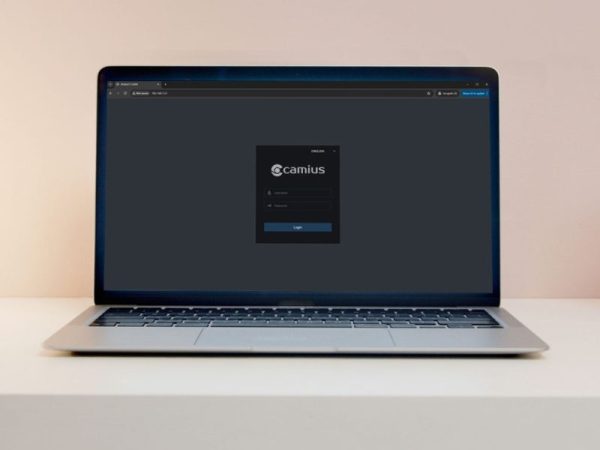
NVR PoE camera system goes beyond the HDMI monitor and smartphone app. The free NVR software (VMS) can turn any desktop, laptop, PC, or Mac into a 24/7 surveillance station. Users can monitor live video and audio streams in addition to playback and manage cameras with access to device settings. This software is excellent for multiple installations as it can combine cameras connected to a Camius NVR and individual Camius cameras on one screen. To add the NVR to the software, follow this how-to guide

Web Browser Access
Camius NVR security camera system supports multiple web browsers such as Google Chrome, Mozilla Firefox, Edge, Opera, Safari. This compatibility allows users to access their Camius NVR system using a web browser of their choice without the need for any additional software installation. The web-based interface provides an intuitive user experience with easy-to-use controls for live viewing, playback, and configuration. Click here for the guide about browser access.
Camius Smartphone Security Camera App
Camius View offers complete access to your cameras from any location. Click here on how to add your security cameras to the app.The mobile app is available on iOS and Android App stores and is ready to link to your security cameras. You can use your smartphone security camera App to view and playback any Camius security camera, listen to audio, and control the system entirely, including restarting it remotely.
You can control your NVR system using your smartphone or tablet.

Camius NVR IPVAULT2320PR technical information:
NVR specifications
Bandwidth
- Incoming: 320 Mbps
- Outgoing: 320 Mbps
Performance
- Recording Compression: Audio: G.711A/ G.711U, Video: H.264/H.265/H.264+/H.265+
- Speed: 12MP: 30fps, 8MP: 120fps, 4MP: 240fps 2MP: 480fps
- Playback: 1080P: 480fps, Max 16CH
Network
- Protocols: RTSP, SNMP, DDNS, HTTP/HTTPS, TCP, UDP, FTP, MQTT, HLS, SMTP, UPNP, Onvif (profile S/G/T)
- Voice Command: Home Device: Google Assistant, Amazon Alexa
Video Output
- 1 VGA output, which supports resolutions like 1024×768, 1280×720, 1280×1024, 1440×900, and 1920×1080.
- HDMI 1 output, mainly used for the main monitor, supporting resolutions like 1024×768, 1280×720, 1280×1024, 1440×900, 1920×1080, 2560×1440 (2K), and 3840×2160 (4K)
- HDMI 2 is used for the secondary spot monitor, supporting resolutions up to 1080p (1024×768, 1280×720, 1280×1024, 1440×900, 1920×1080), as well as EDID and Async
Ports and Interfaces
- Ethernet: 2 RJ45 ports for fast network connectivity.
- PoE: 16 RJ45 ports support Power Over Ethernet (PoE) for easy IP camera connection
- USB: Front USB 2.0, rear USB 3.0 & USB 2.0 for versatile connectivity.
- Audio I/O: 1 input & 1 output for audio recording and playback.
- RS485: 1 interface for device communication.
- Alarms: 16 inputs & 1 output for comprehensive alarm system integration.
Storage
- Two Internal SATA Hard Drive Ports: up to 12 terabyte
- One e-SATA
Device Access:
- Web Browser Application: compatible with IE10/11, Safari V12.1 above, Firefox V.52 above, Google Chrome V.57 above, Edge V.79 above
- Video Management Software for Windows PC and Mac computers
- Camius View mobile app (iOS/Android)
General:
- Menu Supported Languages: English, French, Spanish, Portuguese, German, Italian, Greek, Danish, Finnish, Russian, Turkish, Bulgarian, Arabic, Korean, Japanese, Thai, Hindi, Romanian, Dutch, Polish
- Dimension (W x D x H): 14.88 x 12.48 x 1.97 inches / 378 x 317 x 50mm
- Input Voltage/Current: Built-in power supply of ATX 280 watts
- Power Consumption: the NVR uses about 12 watts of power, not counting the hard disk
- Operating Temperature/Humidity: Camius NVR’s working temperature ranges from 14°F to 122°F (-10°C to +50°C), and the humidity should be kept below 90% RH
FAQs about 16 Channel Network Video Recorder
Does a PoE camera need a DVR?
No, a PoE (Power over Ethernet) camera does not need a DVR. Instead, it connects to a Network Video Recorder (NVR) via an Ethernet cable. The Ethernet cable supplies power and transmits video data. This setup is simpler and more efficient, making it ideal for modern security systems like Camius.
What is the difference between NVR and PoE NVR?
An NVR (Network Video Recorder) and a PoE NVR are essentially the same. Both record video from IP cameras. The distinction is that a PoE NVR includes built-in PoE ports, which supply power to the cameras directly through the Ethernet cable. This eliminates the need for separate power sources, streamlining installation and reducing cable clutter. Camius offers advanced PoE NVR systems for easy, efficient security setup.
What's the difference between a DVR and an NVR?
A DVR (Digital Video Recorder) records video from analog cameras, while an NVR records from IP cameras. DVRs require coaxial cables for video transmission and separate power cables for each camera. NVRs, on the other hand, use Ethernet cables that provide both power and data transmission. This makes NVRs more versatile and easier to install. Camius NVR systems utilize the latest technology for superior performance.
Is PoE CCTV the best?
PoE CCTV systems are widely regarded as the best choice for many users. They offer several advantages, such as easier installation with a single cable for power and data, better video quality, and enhanced scalability. PoE systems are ideal for both residential and commercial use, providing reliable and high-quality surveillance. Camius PoE CCTV systems stand out in the market due to their cutting-edge technology, highest bandwidth, smart detection that reduced false alarms, audio support, device compatibility and more.