Camius Blog: Security Camera Tips, Guides, and Industry News

RTSP Setup for NVR, DVR & IP Cameras: Complete Guide - what is an rtsp port
FAQ-BLOG

RTSP Streaming Setup Guide for NVR, DVR and IP Cameras

RTSP Streaming Setup Guide for NVR, DVR and IP Cameras RTSP, Real-Time Streaming Protocol, lets you pull a live video stream directly from your NVR, DVR, or IP camera into VLC, Blue Iris, or any third-party VMS software. The default RTSP port on modern recorders is 80. This guide covers

Read More »
Camius IP camera connection. How to access IP camera?
FAQ-BLOG

How to access IP camera

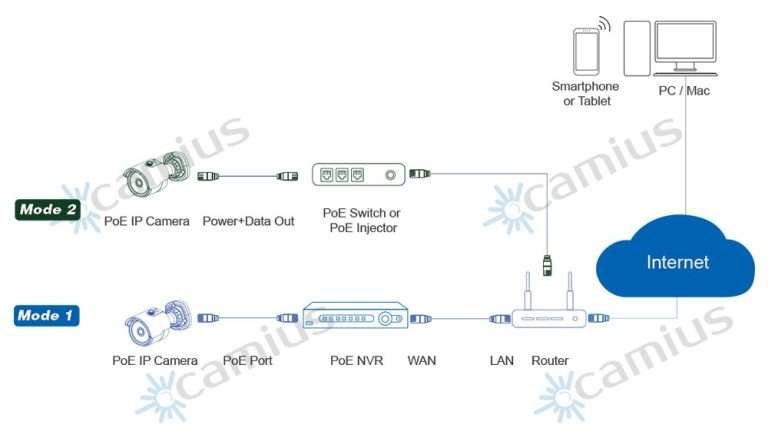
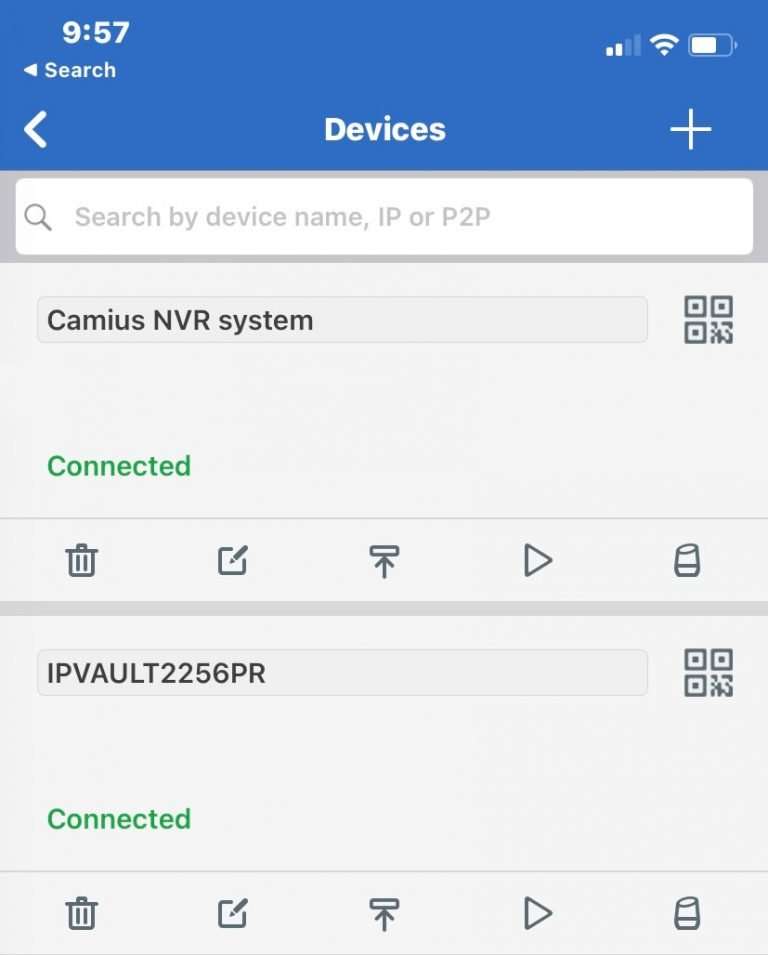
How To Access IP camera (IP Camera How to Install Guide) Camius offers 3 methods of IP camera connection. You can power Camius IP camera be powered in one of three methods: (Mode 1) Connecting it into the PoE port on your Camius NVR (Recommended) (Mode 2) By connecting it

Read More »
Fix DVR or NVR HDMI Monitor Flickering and No Signal Issues
FAQ-BLOG

How to Adjust Your DVR or NVR Monitor Resolution

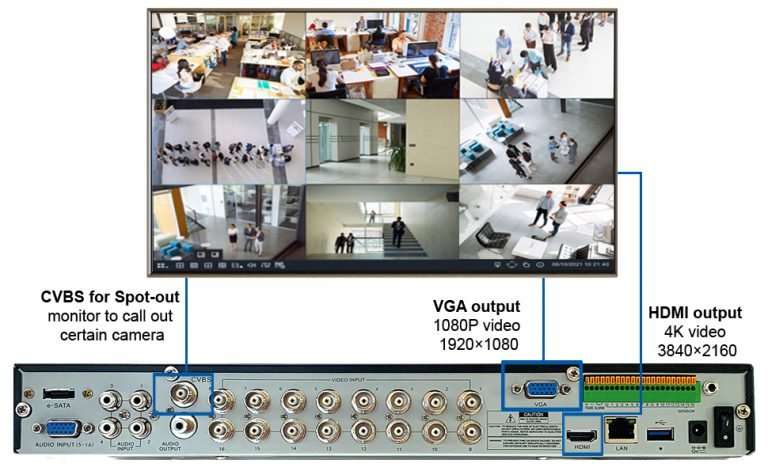
How to Adjust Camius NVR & DVR Monitor Resolution If your security system monitor is flickering, going black, distorted, or showing no signal, not displaying video on a monitor or TV, it is likely due to a resolution mismatch between your Camius recorder and the connected display. Camius NVRs and

Read More »

How to reset DVR and NVR to default factory settings

How to reset the DVR and NVR video recorder to default factory settings With Camius, resetting or managing your NVR is hassle-free, thanks to intuitive software and comprehensive support. Upgrade to a Camius NVR, DVR recorder for better control, flexibility, and performance. Browse Camius DVR recorders Browse Camius NVR Recorders

Read More »
How to add a user to Camius NVR or DVR recorder
FAQ-BLOG

How to add a user to Camius NVR or DVR recorder

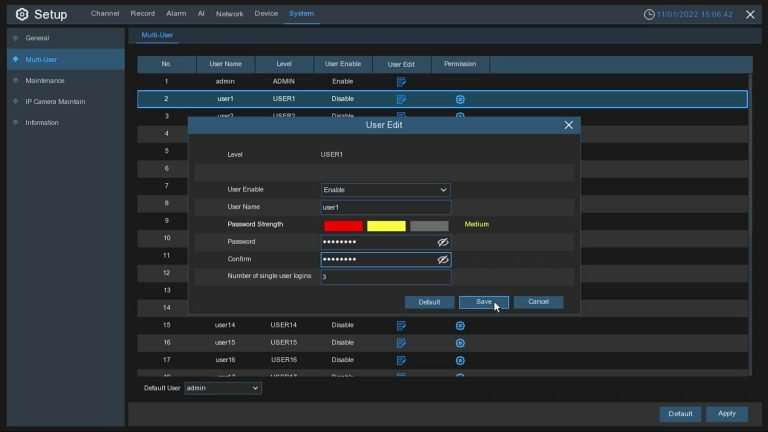
How to change your DVR and NVR password and add a user You can update the ‘admin’ password by clicking the ‘User Edit’ button. You will need the admin’s current password to authenticate the new password. Camius NVR and DVR recorder have an advanced user management feature to add multiple users to

Read More »
How to troubleshoot if my DVR isn't powering on?
FAQ-BLOG

How to troubleshoot if my DVR is not powering on?

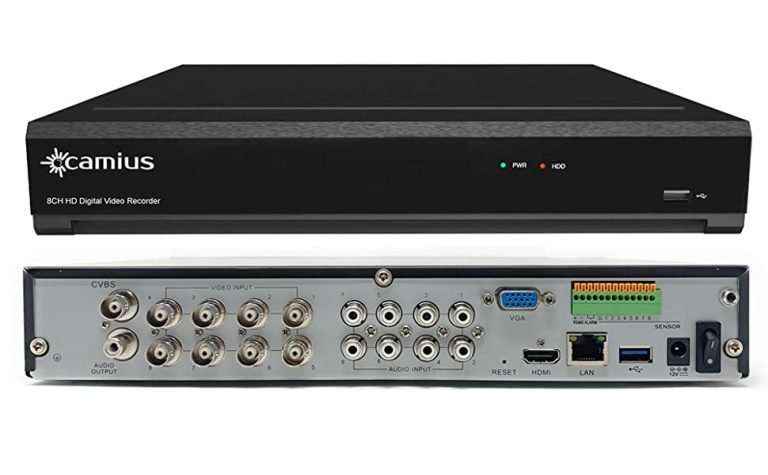
How to troubleshoot if my DVR is not powering on? If you’re having trouble with your DVR not powering on, here are some recommended troubleshooting steps: Step 1 – Check the LEDs on the front panel, a steady green LED (PWR) means your DVR is powered on normally, and a

Read More »