Can I use my Camius DVR or NVR without the Internet?
Can I use my Camius DVR or NVR without the Internet? You can use any Camius system without the Internet if you do not need remote access. You will have local access to your system. If you need to access your system when you are away, you’d need the Internet.
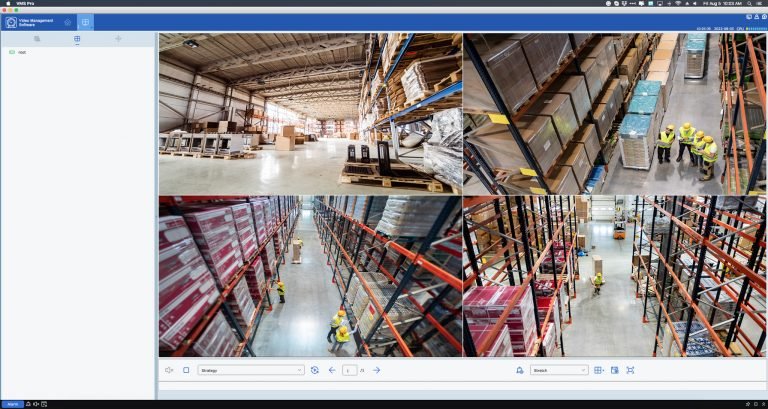
How to playback and download recordings on the Camius VMS (IP Camera, DVR, NVR software)
How to playback and download recordings on the Camius Video Management Software (IP Camera, DVR, NVR software) To play your DVR or NVR footage remotely on the VMS software, navigate to the Home tab >> Remote Playback (Picture 1). Picture 1 See below the description of each function in the

Playback PIR push notifications events
PIR Detection and PIR Push Notifications Question: I receive my PIR push notifications. When I click the play button, it takes me to Live View. Why don’t I see the footage of the event that triggered the push notification? Answer: To have playback of events for which you receive Push
Forgot DVR, NVR Password? Steps to Reset It
Easy Steps for Password Reset – unlock your NVR, DVR I Camius
How to set up my Camius DVR and IP Camera NVR recorders to send email notifications?
Setting Up Email Notifications on Camius Security NVR, DVR, IP camera The Camius security NVR, DVR recorders, and IP cameras have an email notifications feature informing you of suspicious activities. With this feature, you can set up the system to send email alerts to your designated email address whenever motion

How to set a password on my new Camius DVR or NVR recorder?
How to set a password on my new Camius DVR, NVR recorder? Turn on the DVR / NVR recorder using the On/Off switch. The DVR doesn’t come with a default password, you need to set one, and there are two ways. Option 1 – Connect your DVR or NVR to
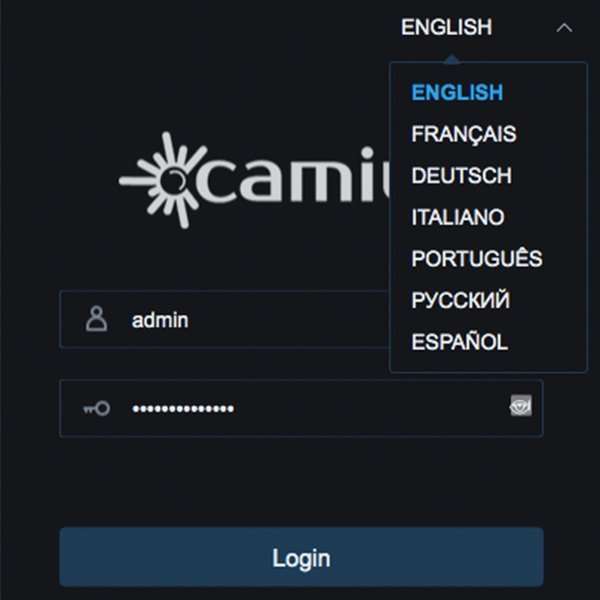
Camius DVR, NVR, IP camera Access via web browsers
Camius Security Camera Access via Web Browsers Camius security camera systems are designed with user convenience in mind, offering compatibility with web browsers for seamless local and remote access. Whether you’re using Camius IP camera, NVR camera system, Hybrid Analog DVR recorder, or wireless camera system, you can enjoy flexible and reliable
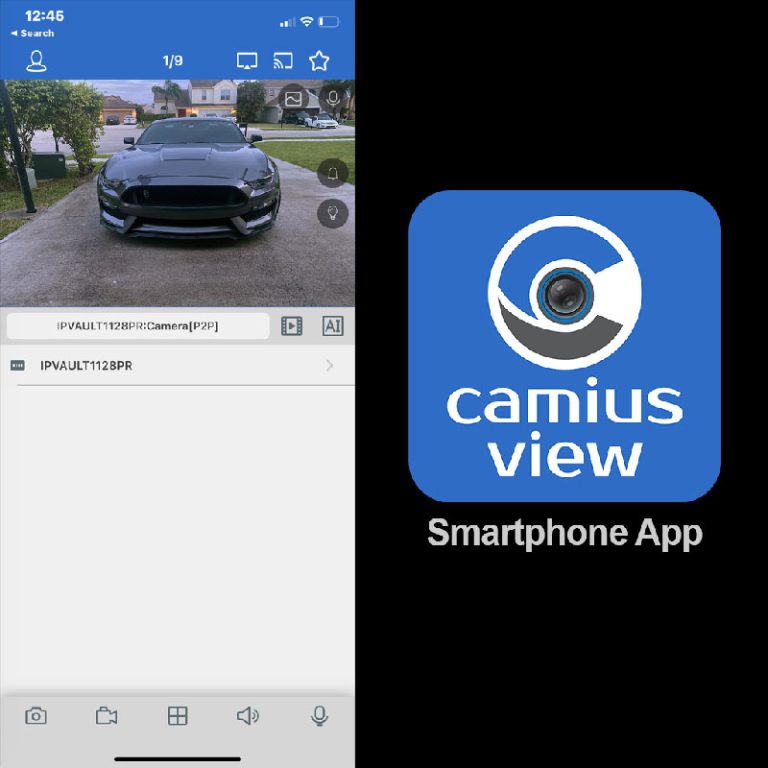
How to add Camius IP camera, DVR, NVR to the Camius View smartphone app?
How to add a Camius IP camera, DVR, or NVR to the Camius View smartphone app? The Camius View app is free on iOS and Android and gives you remote access to any Camius NVR, DVR, or IP camera from your phone or tablet. Before adding a device to the
VMS Pro Download for PC and Mac
Learn how to add your Camius NVR, DVR, PoE IP and Wireless Cameras to VMS Pro software – setup guide for Windows and macOS.